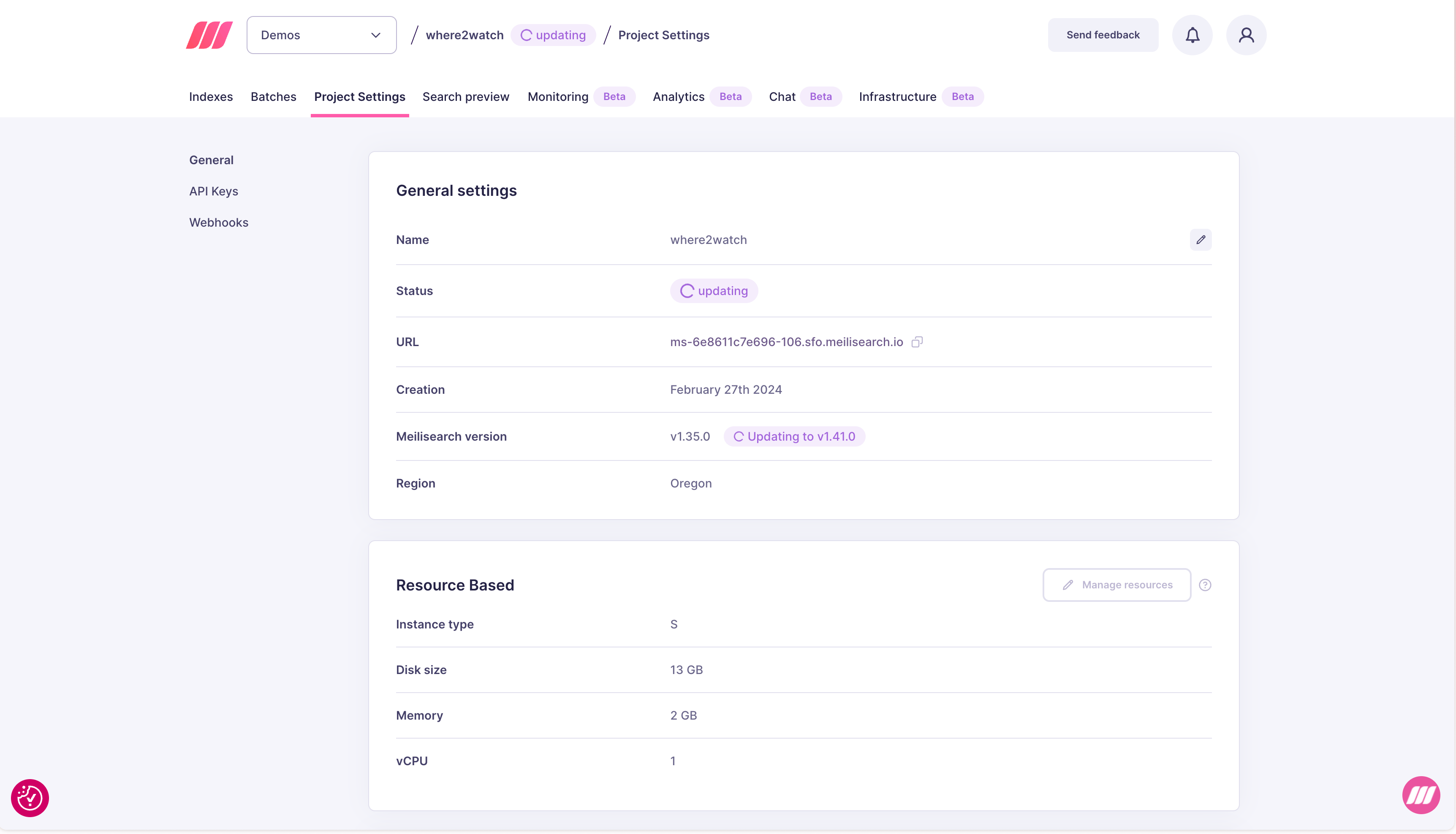
Viewing the current version
Open your project and go to Project Settings. The current Meilisearch version is shown in the General settings section. When an upgrade is available, an Update available badge appears next to the version number.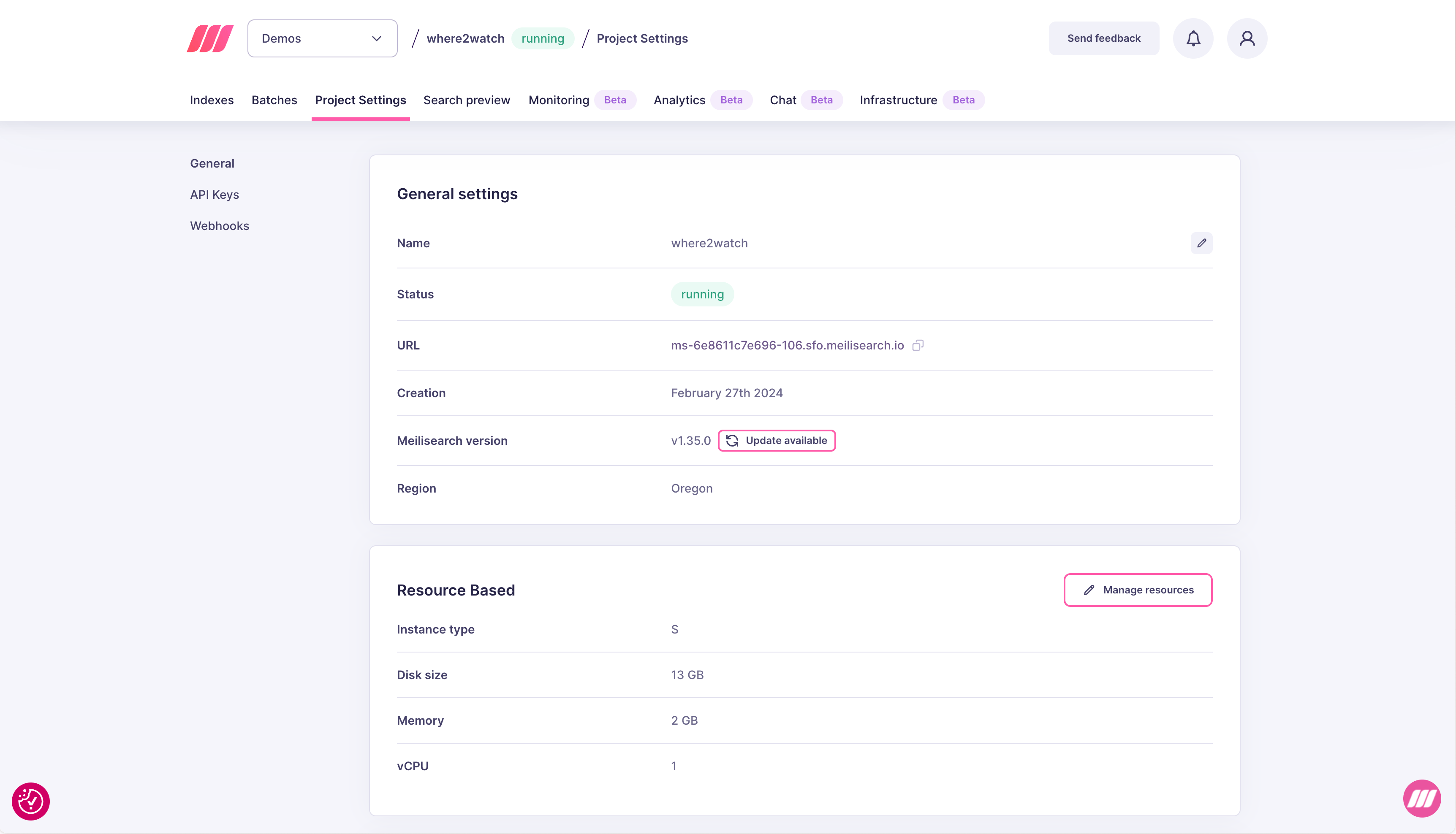
Upgrading to a newer version
- Click Update available in the General settings section.
- Select the target version from the dropdown. The modal also links to the changelog for that version.
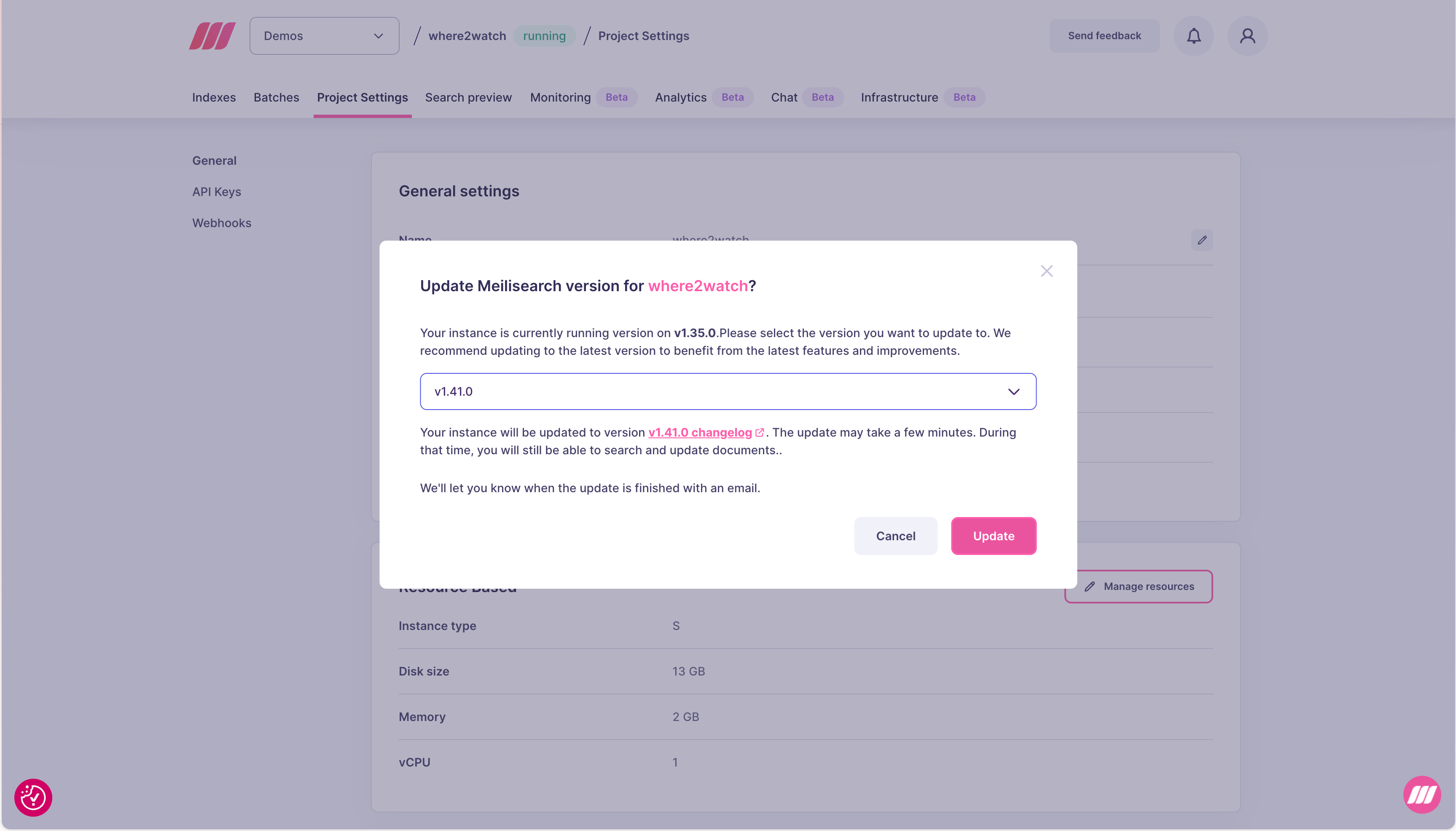
- Click Update. The project status changes to updating and the version field shows the in-progress target version. You will receive an email when the update is complete.