

Billing models
See project types for guidance on which model to choose.
The Billing tab
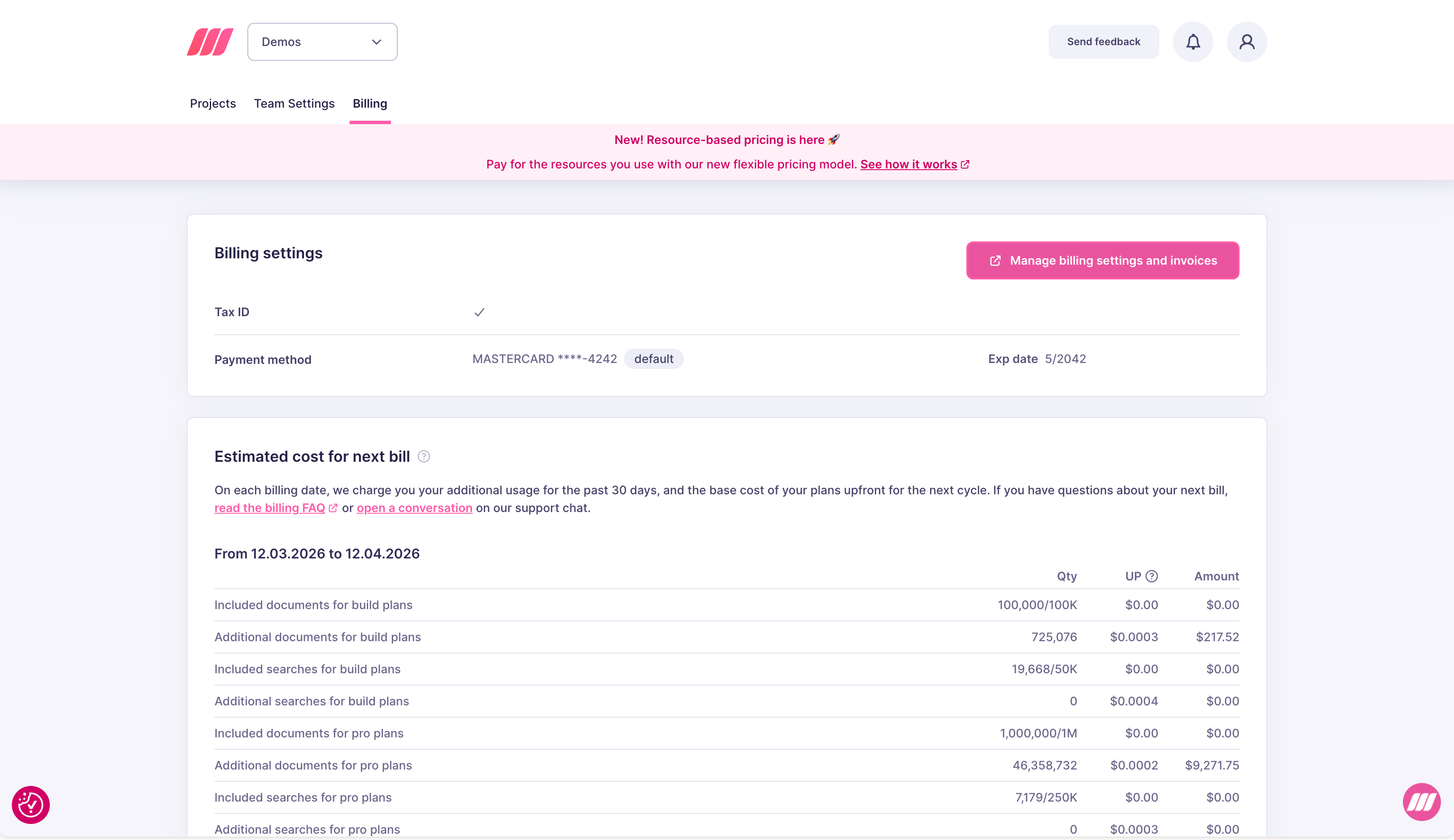
- Billing settings: your current Tax ID and default payment method
- Manage billing settings and invoices: button to open the Stripe portal for full billing management
- Estimated cost for next bill: a line-by-line breakdown of charges accrued in the current billing period, covering all active projects
What affects your bill
Only active projects generate charges. Deleting a project stops billing immediately. Team members and API keys do not affect billing.Next steps
Pricing model
How billing works, resource pricing, and cost estimation
Invoices
View and download your billing history via Stripe
Payment methods
Add or update payment methods via Stripe