

Billing
Invoices
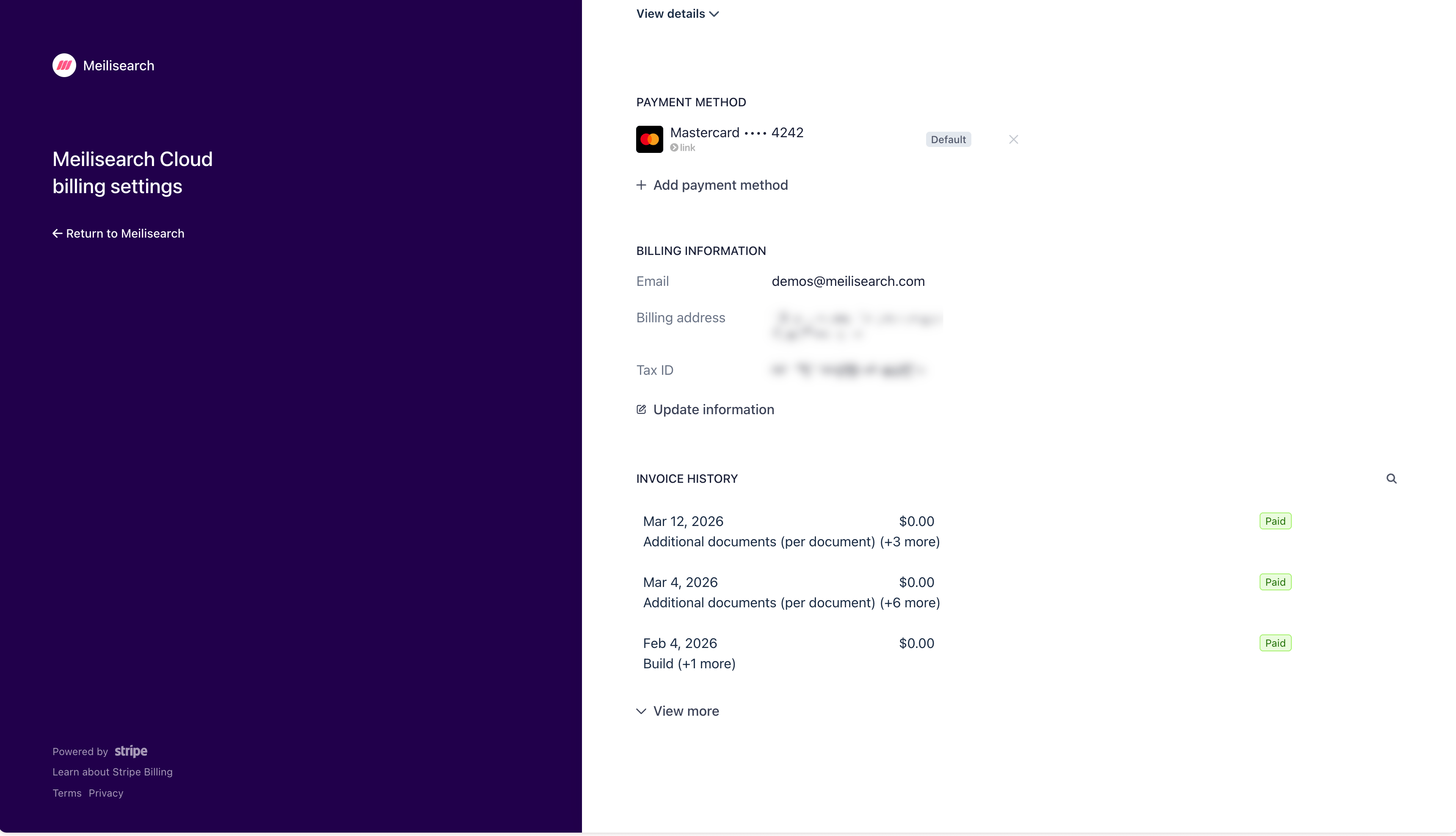
View and download your Meilisearch Cloud invoice history through the Stripe customer portal.
Invoices are managed through Stripe. To access your invoice history, open the Billing tab in the Cloud dashboard and click Manage billing settings and invoices. This opens the Stripe customer portal.